
Indigo Renderer
Indigo Renderer is an understated, yet enormously powerful, unbiased, physically based (GPU) standalone renderer aimed at ultimate image quality. State of the art rendering performance, materials and cameras models supporting Multi-GPU and CPU rendering.
Indigo Render supports SketchUp, Cinema 4D, 3ds Max, Revit, and Blender.


Indigo Renderer
Combine the rendering speed and quality of Indigo, with the 3D modeller of your choice, you'll get beautiful images that look like a photograph. Indigo simulates the physics of light to achieve near-perfect image realism, and supports SketchUp, Cinema 4d, 3ds Max, Revit, and Blender.
Indigo Renderer is an unbiased, physically based and photorealistic renderer which simulates the physics of light to achieve near-perfect image realism. With an advanced physical camera model, a super-realistic materials system and the ability to simulate complex lighting situations through Metropolis Light Transport, Indigo Renderer is capable of producing the highest levels of realism demanded by architectural and product visualisation.
What's New in Indigo 4?
Brand new multi-GPU engine
Indigo's OpenCL-based GPU engine provides industry leading performance on Nvidia and AMD graphics cards and on all major operating systems. With a modern GPU, it's approximately 10x faster than the high performance CPU core of Indigo 3.8.
This performance benefit scales with multiple GPUs in a single computer and multiple computers on a network. Simply add more cards and get the horsepower to quickly render incredible 4K images and animations.
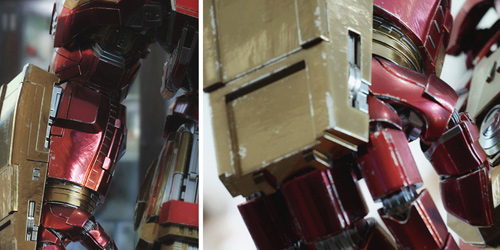
Fast, Flexible Region Rendering
Region rendering is now a snappy and interactive experience. After enabling it, simply drag over desired area and it'll start rendering. The user can render multiple regions at once by shift + dragging, and enable a transparent background with a single checkbox.
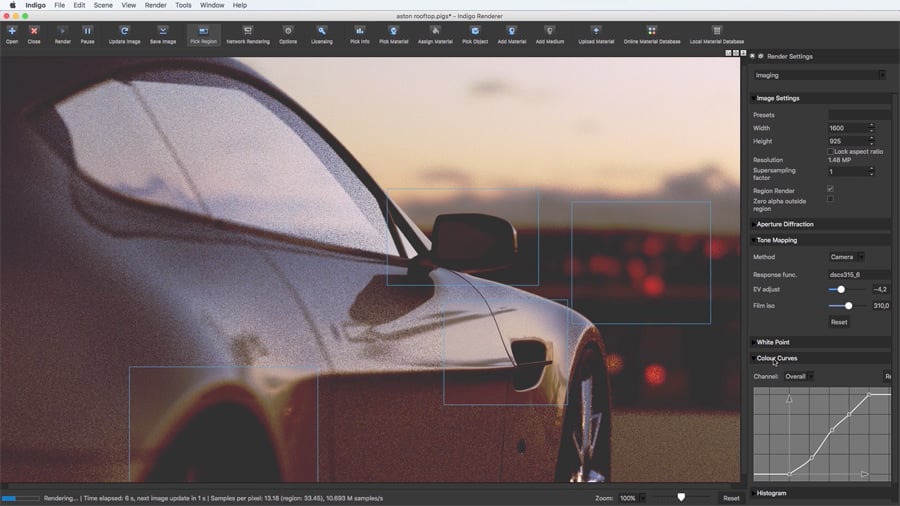
RGB colour curves
RGB colour response curves are a great way to tweak the raw image to get photographic effects. Doing this with Indigo's native RGB curves means it's done in extremely high precision and doesn't need to be repeatedly added in post-process for several renders.

FastSSS
A simple, efficient and realistic material type for creating SSS materials such as skin, plastics and much more.
FastSSS offers various parameters to vary the surface's structure and reflective properties using textures, with a fast and powerful scattering medium below it.

Material preview window
Indigo 4 features a highly customisable material preview window for tweaking the scene materials in a neutral lighting environment. There are multiple sample objects available and the user can change resolution and render quality of the preview.
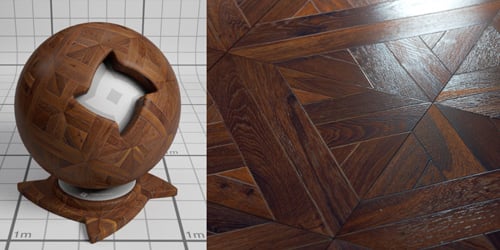
Sequence overrides
A useful new tool for rendering batches of images and animations, the render queue overrides allows you to change render settings for all the frames in the queue, on the fly.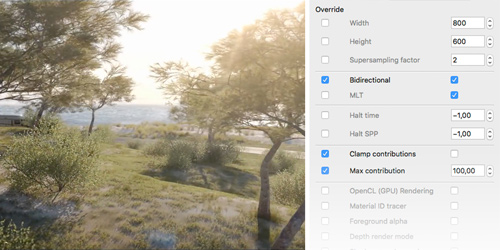
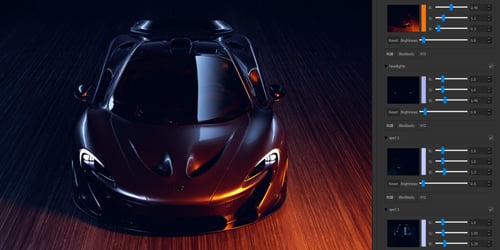
Light layer improvements
Light layers are fully supported on GPU. A nifty new feature is the thumbnail to each light layer, making it easier to find a particular layer you're looking for in the stack.
Other additions include the possibility to assign a light source to a light layer directly in Indigo GUI, as well as adding new layers.
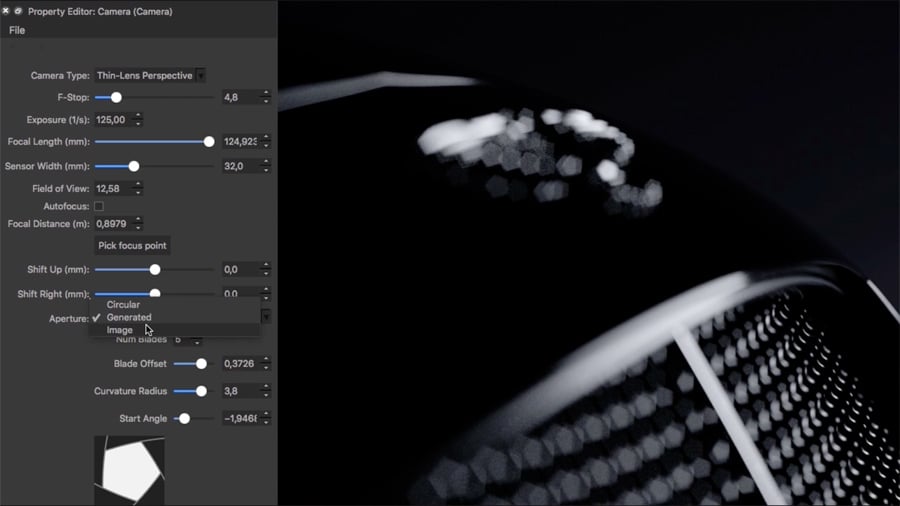
Aperture Controls
Render the perfect bokeh by controlling the aperture shape with Indigo's generated aperture, or add your own aperture maps. Cover the lens with custom obstacle maps to create beautiful flare effects.
And more...

Contribution Clamping
A simple, user friendly parameter to eliminate fireflies.
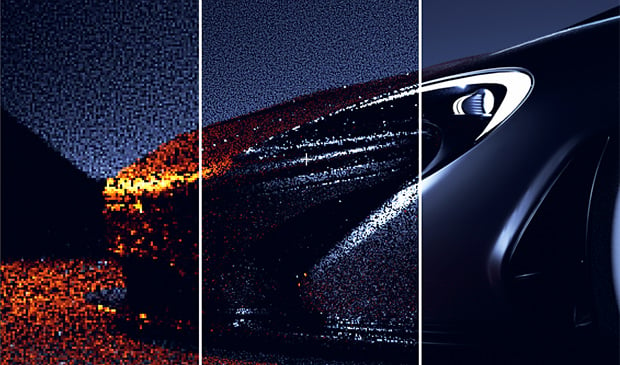
GPU - Adaptive Resolution
Viewport res adapts when needed, to ensure good realtime performance.

Adjustable Light Sampling
Optionally change the processing power dedicated to a particular light source.
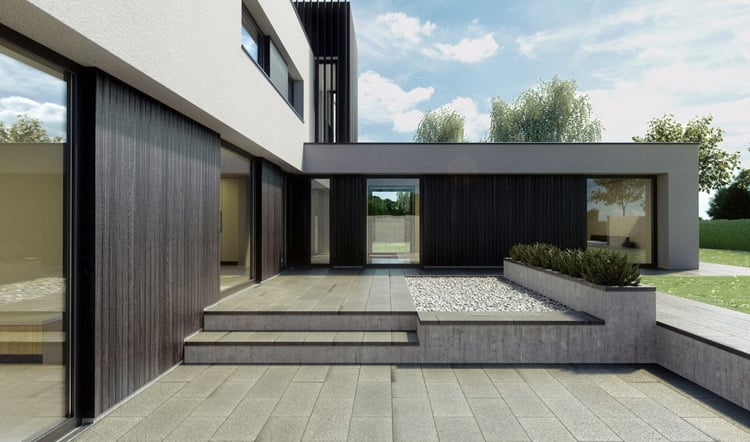
Filmic Tone Mapping
Tone mapping with a natural feel and high dynamic range

Measured BDRF support
Indigo now supports rendering of measured BDRF materials.
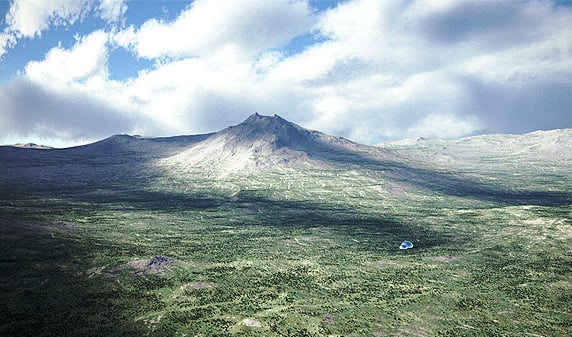
Improved Subdiv and Displacement
Subdivision and displacement has been greatly omptimised and improved.

Faster CPU Rendering
CPU rendering, MLT and tone-mapping have been optimised.

Trackball Navigation
A useful and intuitive new way to move around your scene.
| Brand | Glare Technologies |
|---|---|
| Delivery Type | Digital Delivery By Email |
| Processing Time | 1 Working Day |
Minimum system specifications:
Windows:
- 64-bit x86 CPU with SSE4
- 4GB of RAM
- 150MB of hard drive space
- Windows 7 or newer
Mac:
- 64-bit x86 CPU with SSE4
- 4GB of RAM
- 150MB of hard drive space
- OS X 10.8 Mountain Lion or newer
Linux:
- 64-bit x86 CPU with SSE4
- 4GB of RAM
- 150MB of hard drive space
Recommended system specifications:
- 16GB+ of RAM
GPU acceleration
Required:
- Either an NVIDIA GPU supporting OpenCL 1.1 (GeForce 9800 GT or newer), or an AMD GPU supporting OpenCL 1.1 (Radeon 4xxx or newer)
- 256MB or 512MB of onboard GPU memory, depending on OS.
- 2GB of system memory
Recommended:
- Either NVIDIA GeForce GTX 5xx / Quadro 4000 / Tesla C2050 or newer, or AMD Radeon 5xxx / FirePro 3D V3800 / FireStream 9350 or newer
- Quad-core or greater Intel or AMD CPU